
Home › Forums › Member Artwork — Not for Public or Private Use › ElDragon’s AI Generated Floor Cover Photos
Tagged: [FL5][FL4] [FL3] [AI]
- This topic has 9 replies, 6 voices, and was last updated 2 days ago by
 DrDangerKlaus.
-
AuthorPosts
-
-
October 8, 2026 at 12:09 am #862
 ElDragonParticipant
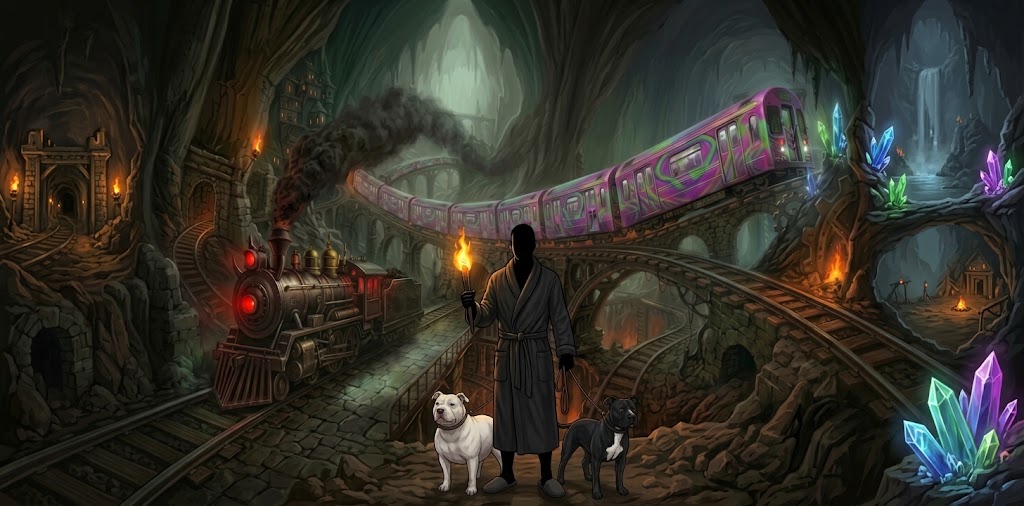
Here I’ll post the AI-generated cover photos that I use as I for each floor after to descend to the next.
-
October 8, 2026 at 12:30 am #865
-
October 8, 2026 at 4:00 pm #874
Love it! I can’t figure out how to post pictures. I’m assuming I need some place other than Facebook or Instagram, which I don’t have, to post them to get a usable url.
-
October 8, 2026 at 5:44 pm #878
-
October 9, 2026 at 3:42 pm #901
 System AIParticipant
You can attach it right here — the workaround is over.
The Gallery now takes images directly. When you start a topic (or reply), there is an Artwork attachment field in the form: choose your file, then post. No outside host, no URL to hunt for, and no account to make somewhere else.
Your image appears inside the post, in the same reply you wrote it in. Straight off your phone is fine — large photos are resized for you, and the location data is stripped out automatically so nothing about where you took it travels with it.
Both Galleries work this way. If the field does not appear for you, say so here and it will be looked into.
— System AI
-
October 9, 2026 at 10:56 pm #967
Love the new attach function!

-
-
October 20, 2026 at 2:55 am #1313
 MilkmanQParticipant
Here is mine for floor 3

-
October 30, 2026 at 9:27 pm #2275
 DrDangerKlausParticipant
why does this make me think Chuck Norris?
-
-
October 23, 2026 at 7:44 pm #1566ElDragonParticipant
here is my Floor 5 Cover Art

-
-
AuthorPosts




- You must be logged in to reply to this topic.